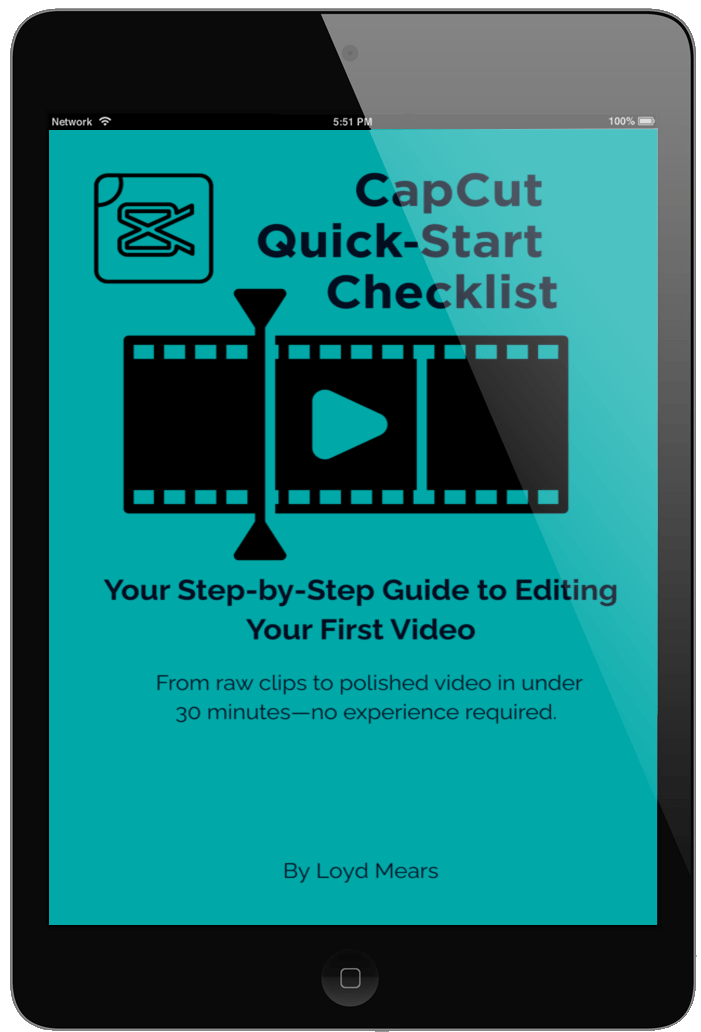
Edit Your First Video in Under 30 Minutes
✅ Step‑by‑Step Guidance – Follow a clear path from download to export without confusion.
✅ Beginner‑Friendly Tips – Avoid common mistakes and save hours of trial and error.
✅ Quick Wins – Go from raw clips to a finished video in under 30 minutes.
✅ Platform‑Ready Settings – Export with the right resolution for TikTok, YouTube, or Instagram.
✅ Always Handy – Keep it as your go‑to reference every time you edit.

About The Author
Loyd Mears
My name is Loyd Mears, and I’ve been creating and editing videos for many years. I actually started out with the old Windows Movie Maker, experimenting with simple cuts and transitions just to bring my ideas to life.
Over time, I watched the editing world transform—especially with the rise of AI-powered tools that completely changed what’s possible for creators like me. Along the way, I tried countless editors, but most left me frustrated with steep learning curves or high price tags.
That’s when I discovered CapCut. It struck the perfect balance: easy to learn, powerful enough to grow with, and far more affordable than many other tools. Once I got started, I kept improving, and editing became not just easier but genuinely enjoyable.
I created this Quick-Start Guide to help you skip the trial-and-error I went through. My goal is simple: to get you editing and creating videos right away, without the overwhelm.
Drive consistent traffic to your videos in just days...
We HATE spam. Your email address is 100% secure